Mistfall Hunter Fatal Error: What Actually Fixes It
By DayOneFix Editorial · August 7, 2026
Work through these
0 / 6 doneTicks are saved on this device — close the page and pick up where you left off.
Update your client before troubleshooting anything. In the 12 August live update, Bellring listed under Critical Issues: “Fixed client hitching, stuttering, and crash issues occurring under certain scenarios.” That is the first official acknowledgement that crashes were a real, fixable bug rather than a per-machine problem.
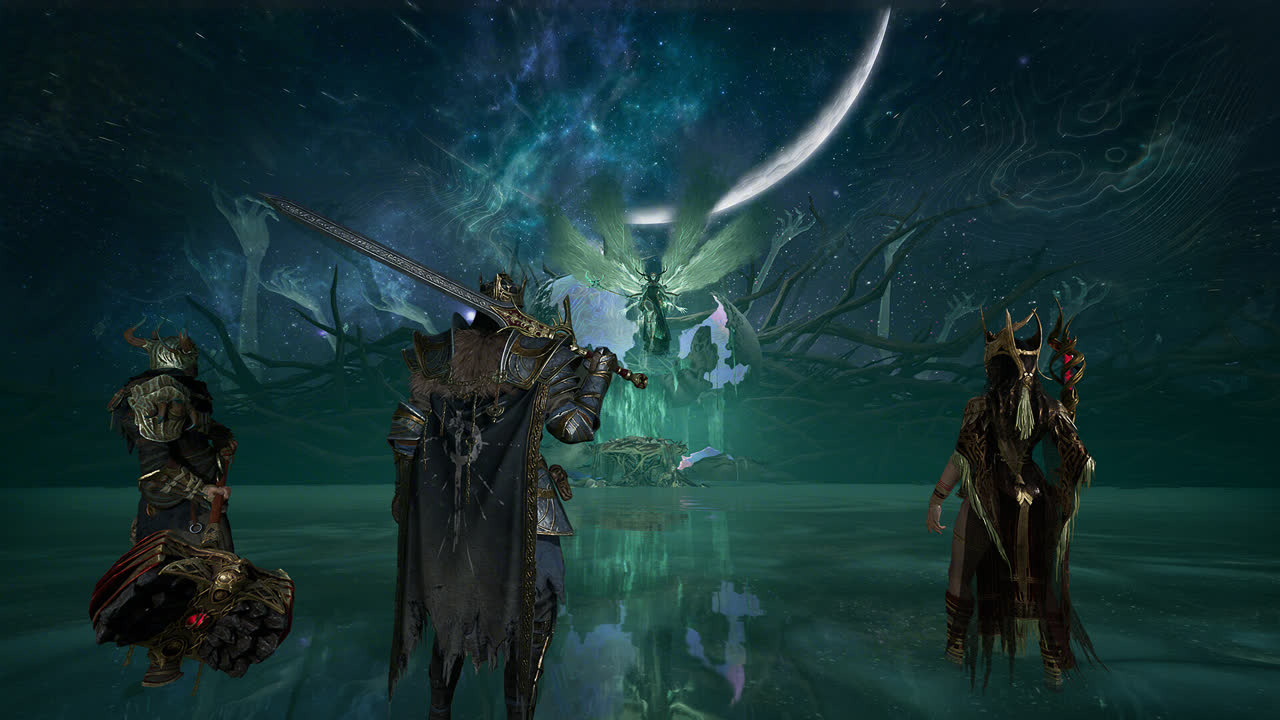
There is a trap in how these updates ship. Bellring performs no-downtime live updates and then requires you to update the game client separately through your app store or launcher. A player who kept playing through the update window is still on the pre-fix client, sees the same crash, and reasonably concludes the patch did nothing. Check your version first.
If you are already on the current client and still crashing, the checklist above still applies — those are the player-verified workarounds, and the first item resolves the most cases.
Official patch status (checked 14 August 2026)
- 6 August — live update; class fixes including skills launching characters vertically into the sky
- 7 August — server-side update; Bellring states the intermittent lag investigation is ongoing, that “a one-shot fix for every lag issue may not be possible”, and that it should taper off with each update
- 12 August — live update; client hitching, stuttering and crash fixes, plus server performance optimisation and select server-side lag fixes
- No crash-specific announcement since
What the crash looks like
Players report the same generic “Fatal error” dialog with no error code, hitting at several different points (Steam discussion thread):
- immediately on pressing Play, or at the Unreal Engine splash
- while sitting in camp / the hideout
- on the “connecting” screen
- loading back into the hub after a raid — the worst version, because you can lose the run
Both the Steam and Xbox Game Pass builds are affected, so this isn’t a storefront problem.
1. The ASLR fix (the one that keeps working)
This is now the developer’s own recommendation, not just a community workaround. In a Steam discussion about total freezes, a Bellring account marked [developer] (Gyldhunter) listed disabling Mandatory ASLR as the primary fix, alongside updating GPU drivers, turning off NVIDIA Smooth Motion, and disabling Intel AI Boost in Device Manager. The studio said the ASLR step has been most effective for players on Intel and NVIDIA hardware, and pointed AMD users to its Discord.
Disable Windows’ Mandatory ASLR exploit-protection setting:
- Open Windows SecurityApp & browser controlExploit protection settings
- On the System settings tab, set Force randomization for images (Mandatory ASLR) to Off by default
- Apply, restart the PC, relaunch through Steam
One player in the fatal error thread posted the fuller version — also turning off “Randomize memory allocations,” deleting the game’s folder in AppData\Local, restarting, and not running the executable as administrator. A separate thread about the 0xc000007b startup error landed on the same ASLR toggle, with a later reply confirming: “it works, thx.”
Two honest caveats. First, this fix is community-sourced — despite what a lot of pages claim, we could not find Bellring recommending it anywhere official. Second, it isn’t universal: in that same 0xc000007b thread, one player ended up in “a loop where the game launches then crashes then launches again until I end it in task manager,” and fixed that by running Steam as administrator.
Mandatory ASLR is off by default on consumer Windows installs. If yours is on, something turned it on — a hardening script, an IT policy, or you did it yourself. Turning it off returns you to the Windows default; it’s not the same as disabling your antivirus.
2. -dx11: try it, don’t count on it
Adding -dx11 to Steam launch options (PropertiesGeneralLaunch Options) shows up constantly as a suggested fix. In the actual threads it’s contested — one player posted it as “here is how I solved it,” another replied flatly that it wasn’t the answer, and a third said forcing DX11 only reduced how often the crash hit rather than stopping it.
Try it, note that the game’s own minimum spec lists DirectX 12, and take it out again if it doesn’t help.
3. What the official patches actually fixed
Bellring hasn’t addressed the fatal error, but it has shipped real crash fixes. From the official patch notes:
- August 6 update — fixed “an issue where the PS/Xbox friends list failed to retrieve friend information, causing a game crash,” and “an issue where gem affixes would occasionally cause the game to crash during matches.”
- July 30 update — fixed a crash triggered by moving the cursor into specific areas of the Seasonal Leaderboard with a controller stick.
- Pre-launch — the July 17 launch announcement lists fixes for “occasional crashes caused by map vegetation animations and AMD graphics card hair rendering issues,” plus a login failure caused by data overflow for players with very large Xbox friends lists.
Two takeaways. If your crash happened in a match while wearing gems, or when the friends list loaded, updating is the fix and no registry tweaking is needed. And if you’re on an AMD card and crashed during the tests, that specific bug was already addressed before release.
4. If it still crashes
- Roll back the GPU driver one version. UE5 titles and brand-new driver branches are a recurring fight; the Proton bug report for Mistfall Hunter documents exactly this shape of failure on a current NVIDIA driver.
- Drop overclocks to stock, including RAM XMP/EXPO. A UE5 game hammering a marginal memory profile crashes in ways that look like a game bug.
- Check you’re actually above the floor. Minimum is a GTX 1060 / RX 580 with DirectX 12, 12 GB RAM and 45 GB of storage. If your card can’t do DX12 you get a different error — see GPU not supported.
- Report it in-game. Bellring’s Known Issues post directs players to in-game customer support, and the patch cadence since launch has been roughly weekly, so reports are landing.
FAQ
What should I try first for a Mistfall Hunter fatal error? Update your game client. The 12 August live update fixed “client hitching, stuttering, and crash issues occurring under certain scenarios” — and because Bellring’s no-downtime live updates require a separate manual client update, you can be running a build the fix never reached without knowing it.
Does turning off Mandatory ASLR fix the crash? It is the most-reported working fix on the Steam forums, and a Bellring account marked [developer] has since listed it as the primary fix in the total-freeze thread. Set Force randomization for images to Off by default in Windows Security’s Exploit protection settings, then restart the PC. It is not universal — one player’s launch-crash-relaunch loop was fixed by running Steam (not the game) as administrator instead.
Does the -dx11 launch option stop the crashes? Contested. In the actual threads one player called it the solution, another said it wasn’t, and a third said it only reduced crash frequency. Try it, remember the minimum spec lists DirectX 12, and take it out if it doesn’t help.
Should I run the game exe as administrator? No. Players who hit a launch-crash-relaunch loop after the ASLR change fixed it by running Steam as admin instead — not the game executable.
Is the crash a Steam-only problem? No. Both the Steam and Xbox Game Pass builds are affected, so it isn’t a storefront problem.
Related
- Crashing on the connecting screen or dropping mid-raid is often a network problem wearing a crash costume: disconnects, desync and ping
- Not crashes but stutter and frame drops? Performance and best settings
- Everything else: the Mistfall Hunter guide hub
- Different game, same launch-week pattern: Big Walk connection fixes
Sources
Everything on the official side comes from the Mistfall Hunter Steam news page: the August 12 live update’s fix for client stutter, frame drops and crashes in specific scenarios; the August 6 class fixes and the friend-list and gem-affix crash fixes; Bellring’s latency comments in the August 7 server-side update; the July 30 leaderboard-cursor crash fix; and the vegetation-animation and AMD hair-rendering crashes plus the Xbox friend-list data overflow listed in the July 17 launch announcement. That patch-status list was checked on 14 August 2026 and has not been re-checked item by item since. The ASLR toggle, the 0xc000007b startup error, running Steam as administrator, and the argument over whether -dx11 does anything are all player reports in Steam discussion threads — the fatal-error thread, the fuller ASLR write-up and the 0xc000007b thread. That fix is a community source: we could find no official Bellring channel recommending it, and this page does not present it as official advice. The graphics-driver rollback rests on a Proton bug report recording an identically shaped failure. The minimum requirements (GTX 1060 or RX 580, DirectX 12, 12 GB of memory, 45 GB of storage) are from the Steam store page. Closing overlays, verifying files, backing off overclocks and XMP/EXPO are generic PC troubleshooting steps, not game-specific official instructions.