Sanctuary of Ink: the Endfield changes worth acting on first
By DayOneFix Editorial · October 23, 2026
Work through these
0 / 4 doneTicks are saved on this device — close the page and pick up where you left off.
The new operators get the spotlight. Your old factory might just need its rota checked. Updating the client does not update your saved operating habits. Sanctuary of Ink adds tools for existing teams and production; start there before treating a new pull as the answer to every old problem.
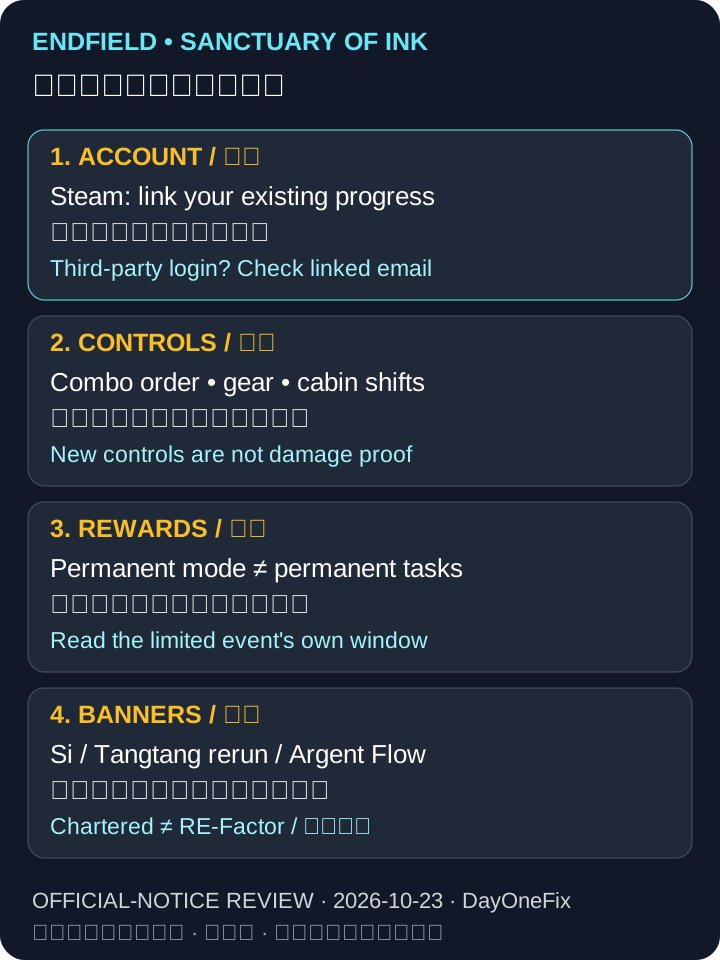
Do not compress three banners into one version label
| Featured operator | Type | Announced window, server time |
|---|---|---|
| Si | Chartered / Rejuvenation | After the version update–5 November 11:59 |
| Tangtang | RE-Factor / Ancestral Spring Flows Anew | 29 October 12:00–19 November 11:59 |
| Argent Flow | Chartered / The Hearth Fire Beckons the Starry Flow | 5 November 12:00–before the next version-update maintenance |
The official update notes name all three. “Si is not on the roster” was a historical 1.5 observation, not a current claim. Argent Flow being introduced in these notes does not make her featured banner available on 23 October.
Check the pool type and its in-game rules before using a permit. This page does not transfer a guarantee rule from Chartered to RE-Factor, infer the next maintenance date, or rank these operators by damage.
Existing accounts: review controls before replacing your team
The same update adds four useful checks:
| New control | Practical check | Limit |
|---|---|---|
| Combo Skill priorities in Squad | Set the order you want when multiple skills trigger together | Ordering control, not a promise of more damage |
| Equipment Plans | Save distinct equipment configurations for different teams | A saved plan does not prove the gear is optimal |
| Cabin work groups A/B | Compare assigned work periods with available working hours before enabling auto-rotation | The notice warns that insufficient work time can interrupt production |
| Automated farming | Check whether your story progress unlocks it in Si’s Painting and later Wuling City | Not a universal farm automation switch |
These are decision prompts derived from the announced features. We have not timed a factory or tested a rotation. Do not dismantle a working production line just because a new control exists.
Permanent access is not permanent reward eligibility
Quick check: the inn stays playable, so can every reward wait until next patch?
No. The notice separates temporary Session Tasks from retained Inn Milestone rewards. A door staying open does not keep every prize counter open.
Yuanyuan’s Blazing Stoves remains playable after its event ends, but the publisher distinguishes the expiring Session Tasks and their rewards from the Inn Milestone Phase rewards that remain.
Two nearer examples, all server time:
- Carly’s Verdant Anthology: 22 October 12:00–5 November 04:00.
- Monumental Etching: Forest of Maras: 22 October 12:00–5 November 04:00; the newly added Umbral Monument stages and the limited reward event are not the same thing.
First check whether your account has access and remaining tasks. Do not treat a mode’s permanent presence as permission to postpone every reward.
Steam: choose by the account that already has progress
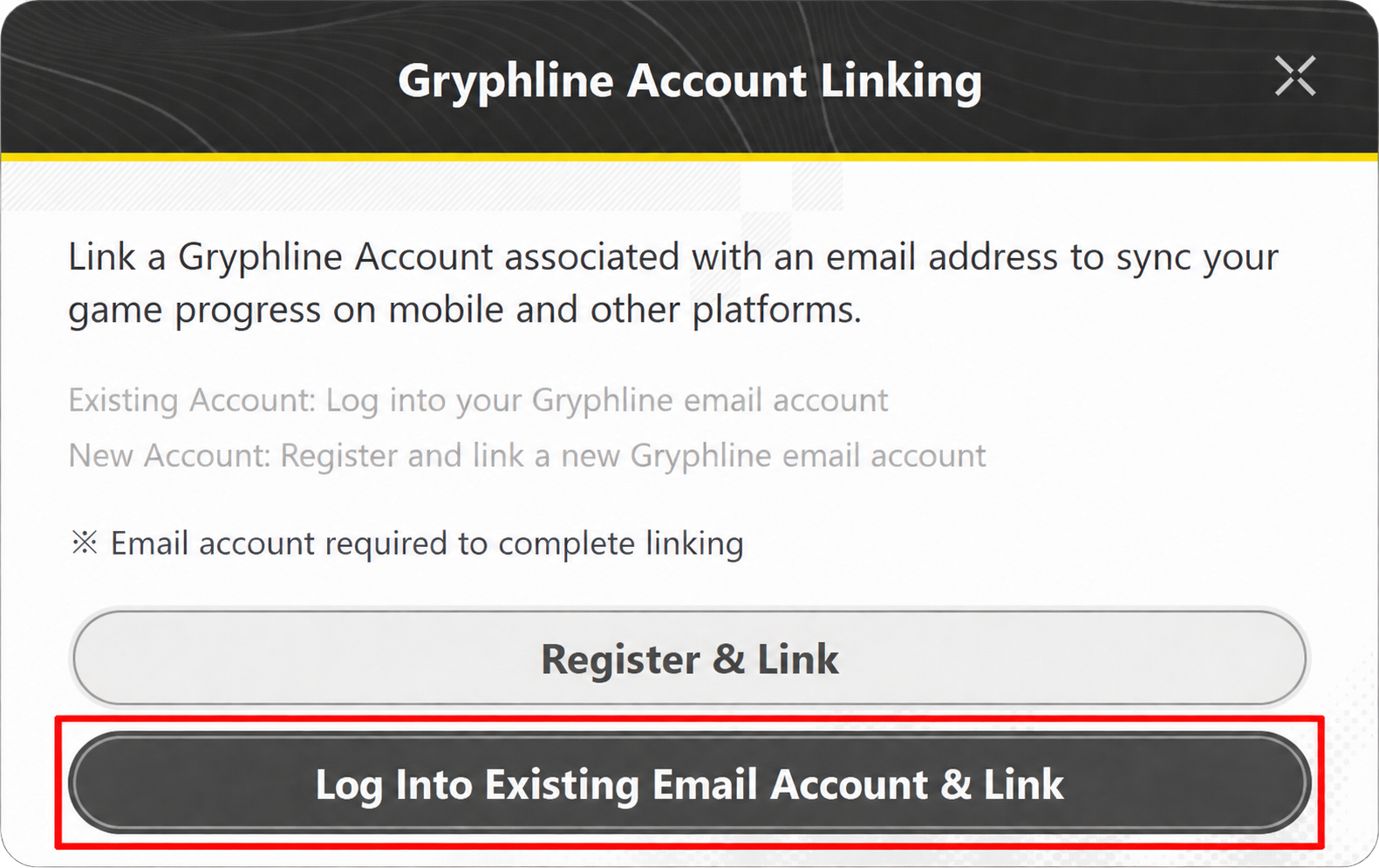
The 17 October Steam linking instructions split the route:
| Your situation | Safe published route |
|---|---|
| Existing Gryphline email account | Steam first login → Log Into Existing Email Account & Link → email verification → check both identities → Confirm |
| Existing Gmail / Apple / Facebook login, already linked to an email | Use that linked email in Steam’s existing-account route |
| Existing third-party login, no linked email | Sign into the same account at the official Account Center; add an email not already registered to another Gryphline account; return to Steam |
| No existing account or progress | Register & Link is the new-account route |
The unused-email condition applies when adding email to the existing third-party account, not when logging into an existing email account. Those are different steps. Do not register a second account to “move” your old progress.
The publisher also documents Steam unlinking through Settings → Platform & Account → Account Center, or its web Account Center. That is not evidence that two saves can be merged; do not unlink as a speculative repair. PS5’s first-login rules are covered separately in our PS5–PC linking guide.
Scope: official EN / Traditional Chinese instructions reviewed on 23 October. No live-save linking, reward claims, factory tests or damage tests. Keep server-local dates on your own server’s clock.
Next: update versus extraction storage and factory interruption checks.