Endfield blueprint codes: how to import them, and the five reasons yours is not working
By DayOneFix Editorial · August 24, 2026
Work through these
0 / 5 doneTicks are saved on this device — close the page and pick up where you left off.
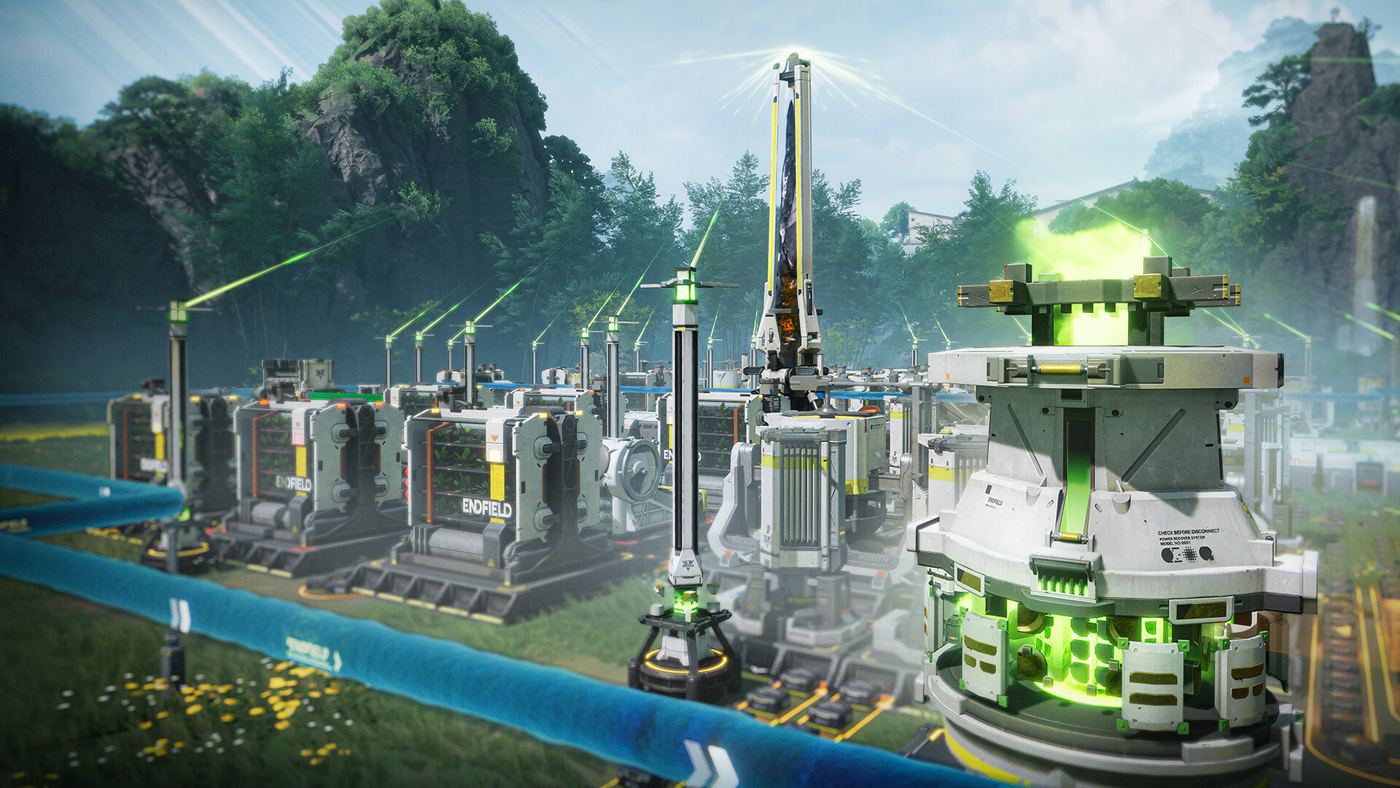
The 30-second version: open a Hub, enter build mode, press F1 (PC) or tap the Blueprints button at the bottom right, switch to Shared Blueprints, hit Import Blueprint, paste the code, Confirm. If that throws an error, the cause is almost always the region lock. If it imports fine but the ghost preview refuses to turn solid, that is a different problem with three different causes — the section below splits them, because most guides mash them together and leave you guessing which one you have.
Import it
- Fast-travel to a Hub and enter build mode.
- Open Blueprints — hotkey F1 on PC, or the button on the lower right.
- Switch to the Shared Blueprints tab.
- Import Blueprint → paste the code → Confirm.
- The blueprint now sits in your list. Select it, and a ghost preview appears for placement.
Why the code is not working
Two failure points, and knowing which one you hit cuts the fix list from five to two.
It fails at import (“invalid sharing code”)
| Cause | What is happening | Fix |
|---|---|---|
| Region lock | Codes are tied to the server they were created on. An Asia code will not import on Americas/Europe, and vice versa. | Check where the code came from. Community lists usually label NA/EU vs Asia — use the one matching your account. |
| Mistyped characters | Codes mix digits with upper and lower case letters, and I, l, O, 0 look alike in most fonts. | Copy and paste rather than retype. Strip any trailing dot, space or line break the site added. |
The region lock is the single most common cause. If a code is widely reported as working and yours says invalid, check the server before anything else.
It imports, but will not place
| Cause | What is happening | Fix |
|---|---|---|
| Unresearched buildings | A blueprint containing a structure you have not unlocked cannot be built. | Unlock the tech first, then place the blueprint. |
| Terrain in the way | The footprint needs flat, clear ground. A rock or a slope inside the area invalidates the placement. | Clear the props and pick genuinely level ground. This is the most common placement error. |
| Missing materials | You need every raw material for every building in the layout, in your inventory, at placement time. | Stock up first — a large factory blueprint can want more than you expect. |
Sharing your own layout
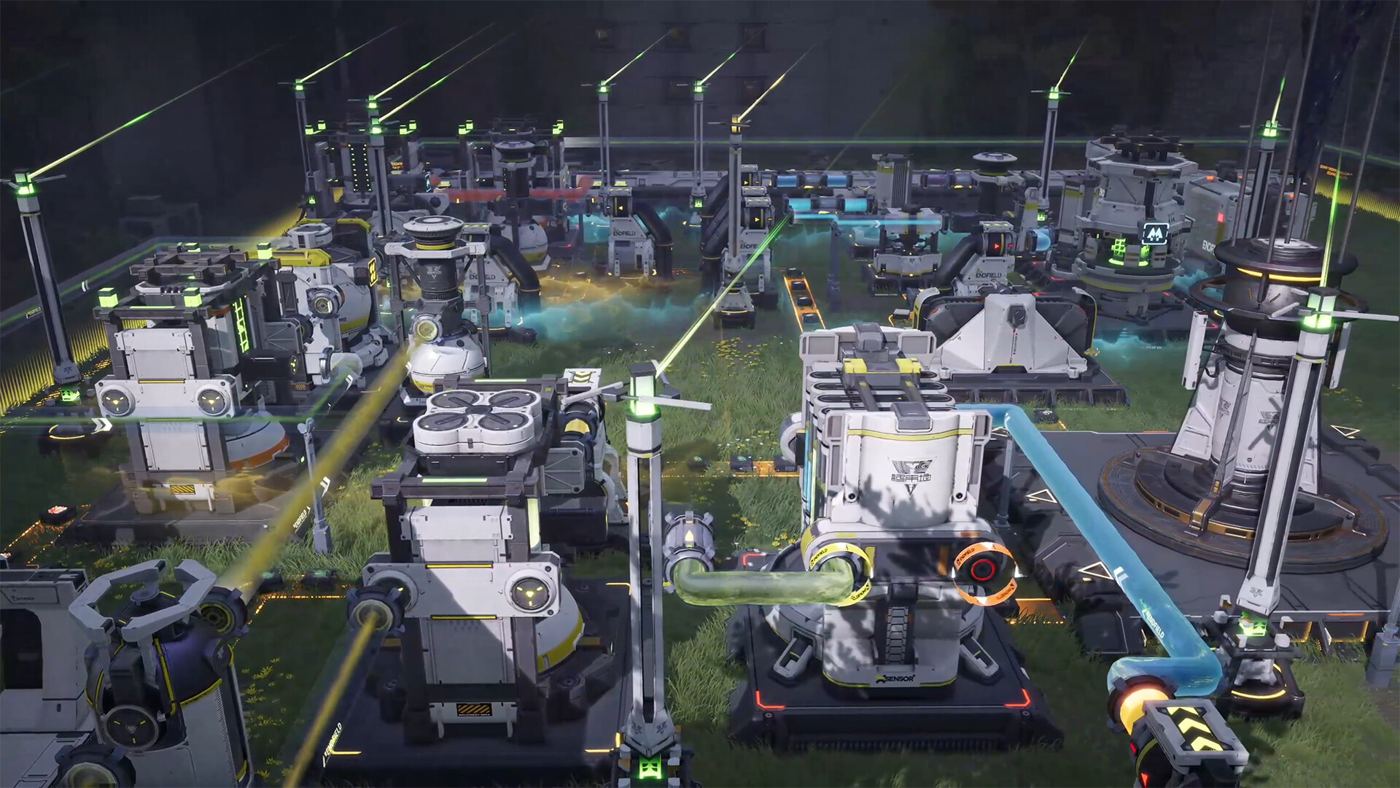
Go to My Blueprints, hit Share in the top-right, then Share with Others. You get a preview of the schematic and a sharing code in the bottom-left with a copy button. That code carries the same region restriction — say which server you play on when you post it, or half the people who try it will report it as broken.
Where to find codes
Community collections are where most working codes live: EndfieldTools’ community factories page, Endfield Hub’s blueprint curation, and the Reddit factory threads. Two things to check before you spend time on one — whether it is labelled for your region, and whether it was posted for your game version, since layouts built around a later version’s buildings will not place on an older account.
Related
Sources and what we could not confirm
The import path, the region lock, and the placement requirements are consistent across Game8’s blueprint guide, GamingBolt’s how-to, and the community blueprint collections (EndfieldTools, Endfield Hub) — we cross-checked the five failure causes against those rather than relying on any single write-up. We have not personally reproduced each error message in-game, so the exact wording you see may differ from “invalid sharing code”; the causes and fixes are what the community consistently reports. If a code fails for you with none of these five explaining it, that is worth reporting — we have not found a documented sixth cause.